
Product overview
Six working records. One continuous path.
UniFlow keeps channels, reviewed decisions, ideas, tasks, goals and leads in the same environment, so a next step stays connected to the discussion that produced it.

The path the product is built around
Discuss. Review. Assign. Revisit.
Each stage leaves a record the next stage can point back to. That shared provenance is the difference worth evaluating.
- 01Discuss
Keep project messages in channels.
- 02Review
Accept or reject proposed decisions and ideas.
- 03Assign
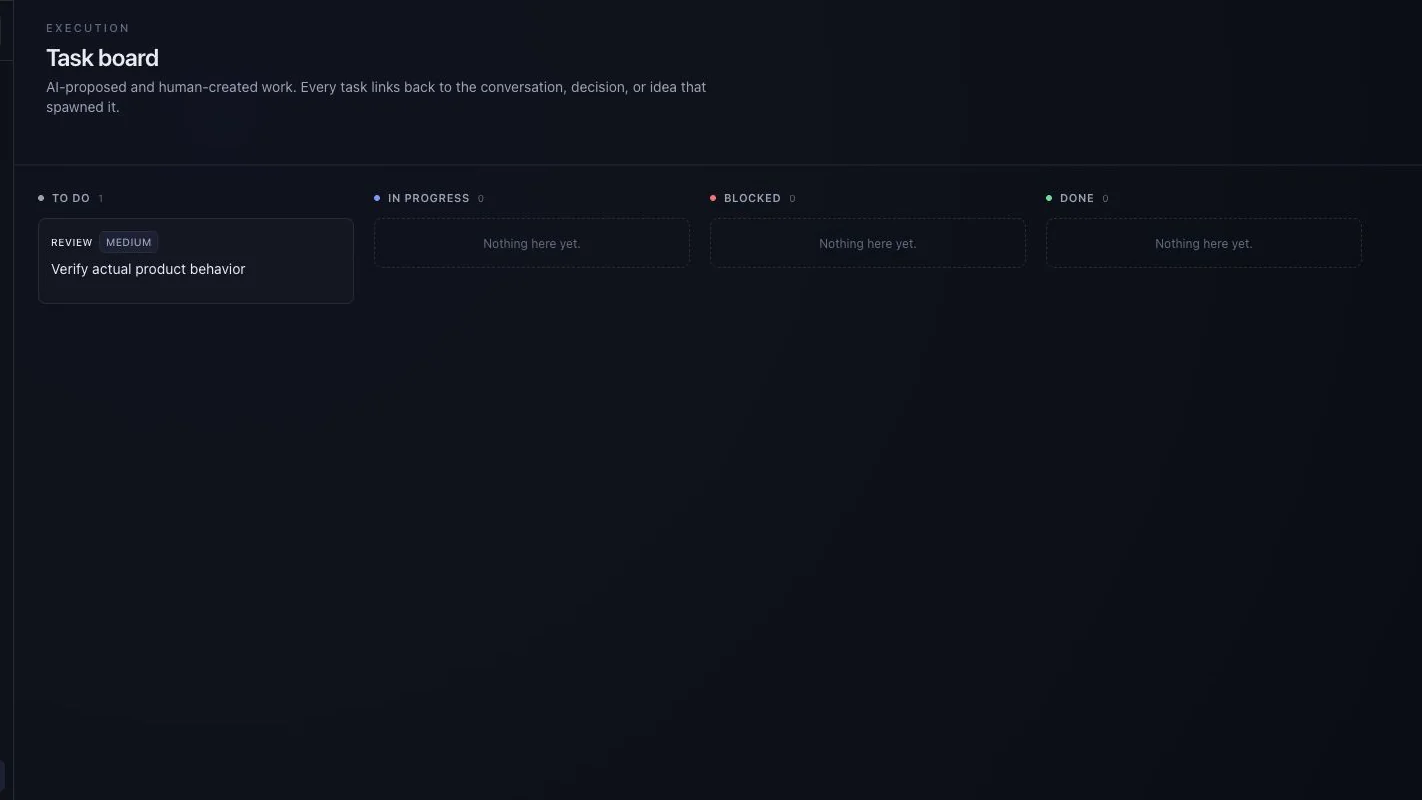
Give a task an owner, status and priority.
- 04Revisit
Return to stored context when the question comes back.
Explore by capability
Open the part of the workflow you care about.
Also in the product
The supporting pieces, with their real status.
Status comes from the source review. “Implemented” means the path exists in the reviewed product — not that it has been proven at production scale.
Availability: Available for guided evaluation. Some AI and advanced workspace screens use sample behaviour; external AI providers need configuration. A demo is not proof of production readiness. Check what works today.
- Presence and live eventsImplemented
- In-app notification inboxImplemented
- Cockpit of event metricsImplemented
- Meeting records and lifecyclePartial — no verified live media
- Push to phones and devicesNot ready
- Visual knowledge mapSample nodes — concept preview
Compare the workflow
Keep the claims specific.
Existing tools may already fit your process. Evaluate the connected workflow and its actual availability before deciding to switch.
Next step
Bring one real workflow question.
Evaluate one active project with your team. We can use that starting point to assess fit, show the relevant interface and make the remaining work clear.
Start with a question, not a commitment. Use sample or anonymised information.