

Good ideas disappear when the chat moves on
A practical guide for growing teams to capture team ideas from chat, review them calmly, promote the useful ones into tasks and keep goals in view.
For growing teams
Good suggestions disappear when the chat moves on.

How UniFlow approaches it
It is raised in the channel, where the work is discussed.
It stays visible after the chat moves on.
When it is ready, it gets an owner and a priority.
An illustrative path using the product’s own records — not a customer story.
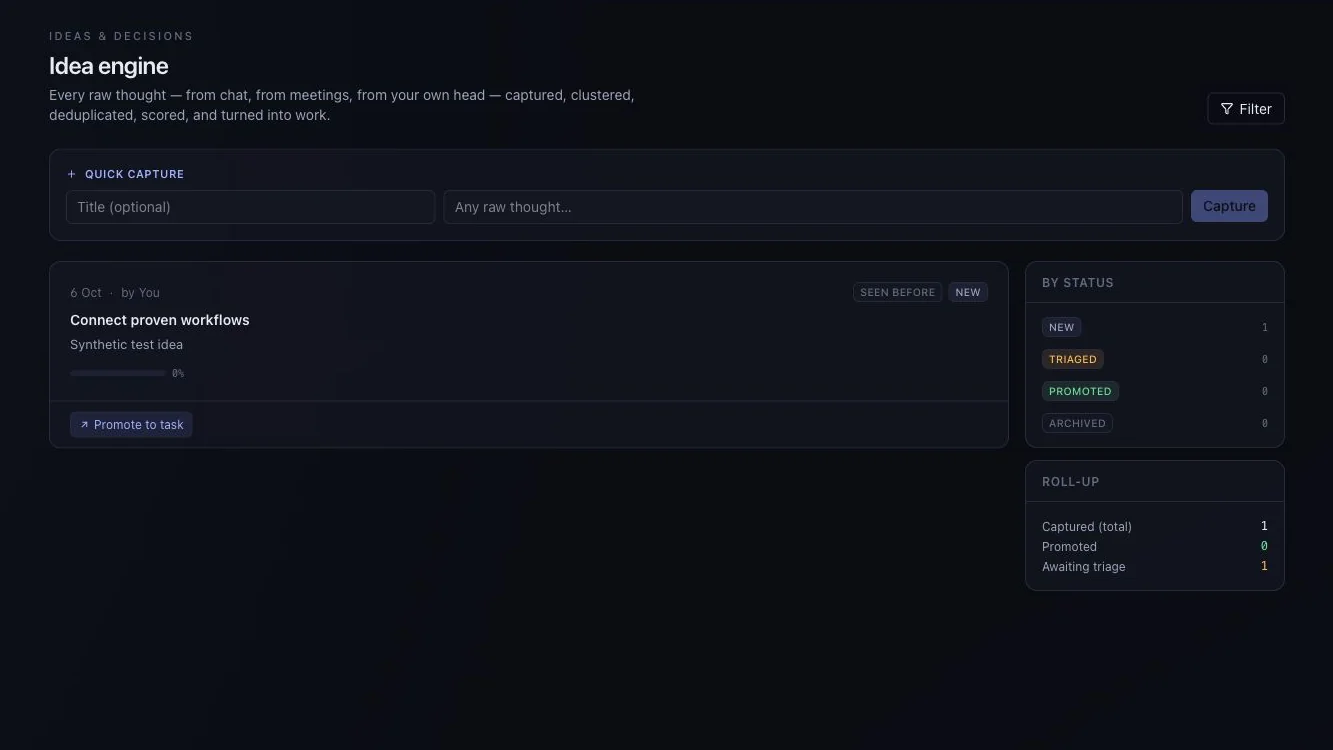
A useful first conversation
Describe the current steps, the people involved and the point where context or time is lost.
Request a guided evaluationBefore you decide: Available for guided evaluation. Some AI and advanced workspace screens use sample behaviour; external AI providers need configuration. A demo is not proof of production readiness. Check what works today.
Not quite your situation?
Next step
Evaluate one active project with your team. We can use that starting point to assess fit, show the relevant interface and make the remaining work clear.
Start with a question, not a commitment. Use sample or anonymised information.
Bring one workflow question.
Start with a question, not a commitment.
Request a guided evaluationWatch the walkthroughDownload the brochureRead the FAQs