

Running several projects at once: get back into the conversation without restarting it
Owners who manage multiple projects in a small business lose time re-asking old questions. Here is how to get back into a project without restarting it.
Goals and leads
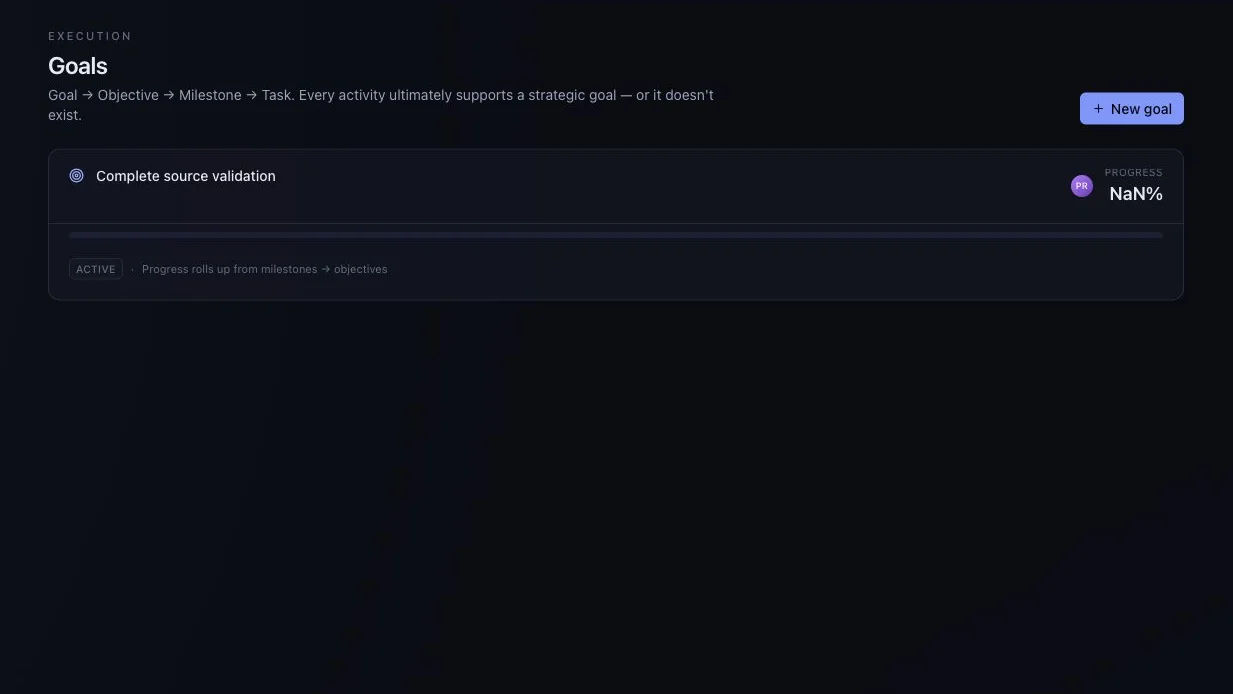
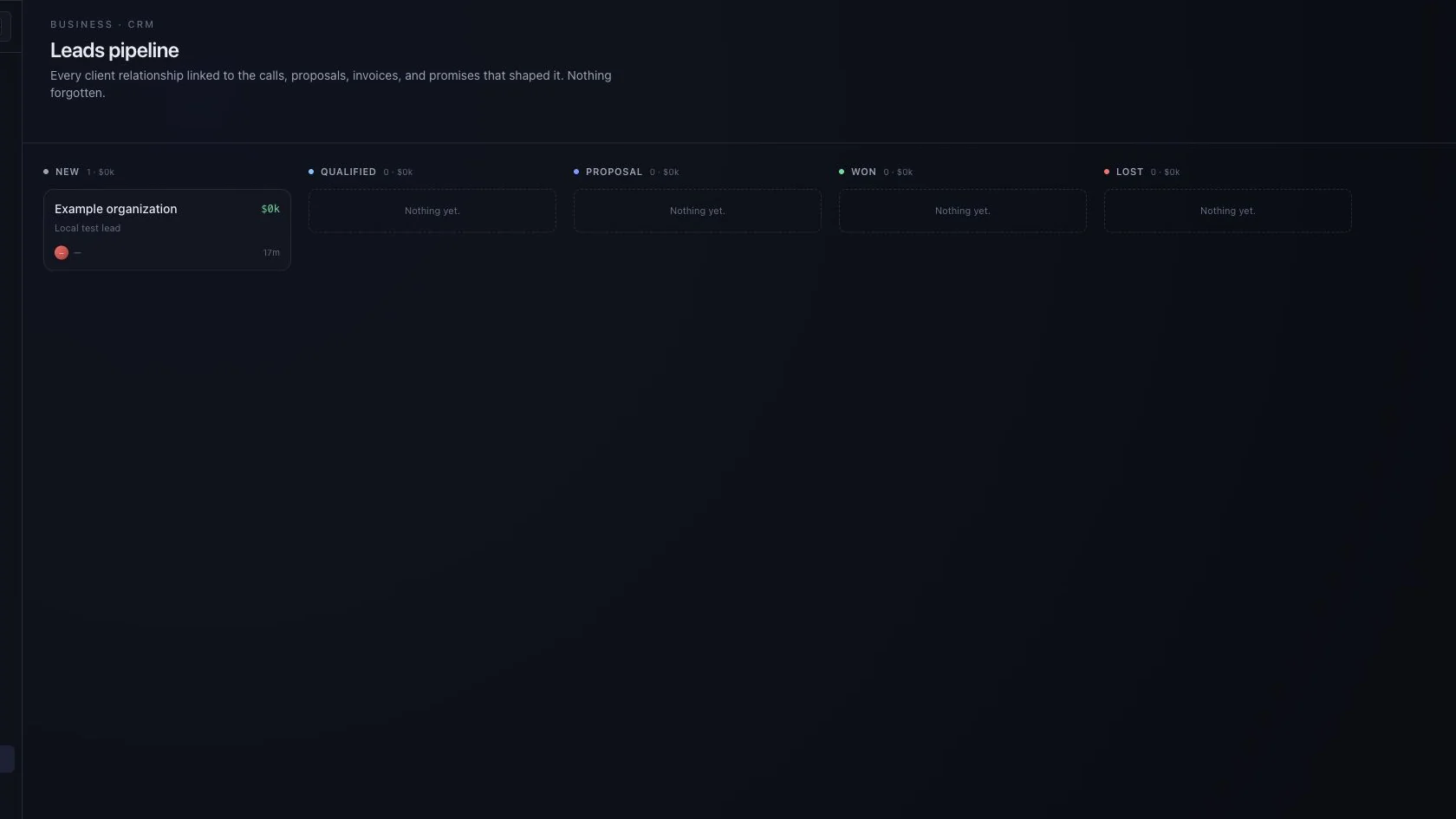
Maintain objectives and milestones, alongside a straightforward lead pipeline.

What to explore
Every item carries the status from the product review, so you know whether you are looking at working behaviour, a partial path or sample data.
For teams that want everyday work and business follow-up in a shared environment.
Break a larger objective into the goals and milestones beneath it.
Keep progress visible next to the tasks that move it.
A simple pipeline for business follow-up, in the same environment as the work.
Shown with sample data only. No revenue forecast or sales improvement is promised.
Ask to see the starting record, the action taken and the resulting state. Check what is saved, what uses sample data and what depends on another service.
Availability for this capability: No revenue forecast or sales improvement is promised; the revenue concept screen uses sample data. Check what works today.
Keep exploring
Next step
Evaluate one active project with your team. We can use that starting point to assess fit, show the relevant interface and make the remaining work clear.
Start with a question, not a commitment. Use sample or anonymised information.

Bring one workflow question.
Start with a question, not a commitment.
Request a guided evaluationWatch the walkthroughDownload the brochureRead the FAQs