

A handover should not need five people to explain the last decision
A practical project handover checklist for leads: what to record, which decisions to confirm and how to pass on the context behind open tasks and goals.
For project leads
A new owner should not need five different people to explain the last decision.

How UniFlow approaches it
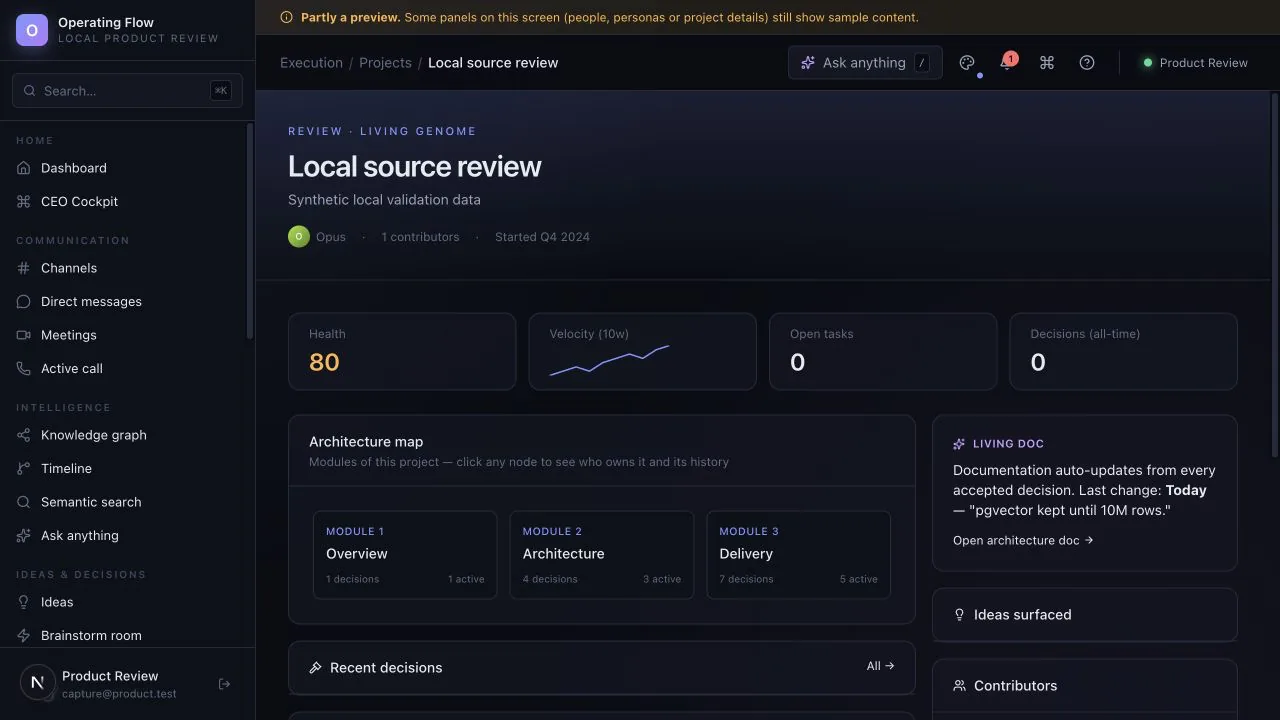
The new owner sees what is in progress.
The reviewed record shows what was agreed.
The channel history explains how the team got there.
An illustrative path using the product’s own records — not a customer story.
A useful first conversation
Describe the current steps, the people involved and the point where context or time is lost.
Request a guided evaluationBefore you decide: Available for guided evaluation. Some AI and advanced workspace screens use sample behaviour; external AI providers need configuration. A demo is not proof of production readiness. Check what works today.
Next step
Evaluate one active project with your team. We can use that starting point to assess fit, show the relevant interface and make the remaining work clear.
Start with a question, not a commitment. Use sample or anonymised information.
Bring one workflow question.
Start with a question, not a commitment.
Request a guided evaluationWatch the walkthroughDownload the brochureRead the FAQs